If your company is like most, then you have sections of your office dedicated to storing records. It could be in dozens of filing cabinets, the basement, an entire records room, or stacks of drawings in long drawers. Maybe it’s in all of those. But there’s something that can help with some serious benefits: document scanning.
By scanning your documents into digital files, you unlock some serious benefits for your organization. Read on as we cover some of the basic and extensive benefits.
Basic Benefits of Document Scanning
1. Cut Costs, Increase Productivity, and Improve Access to Key Information
 These are the three most common reasons that people consider scanning their documents. The decision is usually spurred by losing time to the filing cabinet or accidentally misplacing documents.
An AIIM (Association for Intelligent Information Management) survey found that on average, it takes 37 minutes to find a paper copy of a document in a filing cabinet. Those are 37 minutes that could be spent helping a customer, making a sale, or improving the company, but instead, they’re being used to locate a single document.
Having your files scanned and located in a centralized document management system enables you to do this in under 25 seconds.
Not only can you get to key information faster, but you also don’t have to spend money on storing records (onsite or offsite), you don’t need to habitually purchase boxes or filing cabinets, and you won’t need to pay for the costs associated with printing and mailing records.
2. Faster Audits, Discoveries, and Compliance
Organizations and departments that are subject to audits, discovery demands, and Freedom of Information Act (FOIA) inquiries would greatly benefit from scanning. If you deal with these requests, you know that they are often high-profile and extremely time sensitive.
So how do you cut back on information retrieval time? Text-searchable digital files. A scanning strategy should be a key part of your agency’s risk assessment plan. Digital records are easy to store and search. They can help you quickly comply with requests and avoid fines and negative publicity.
Our clients have seen audit times reduced by 80% once their records have been scanned.
3. Better Data Preservation
 As great as rare books and old documents are for research purposes, you also don’t want to handle them too much.
By scanning these historical items, along with any record that is important but getting fragile from age, you’ll preserve this information digitally. No matter what kind of research you, an employee, a customer, or patron does, you won’t need to worry about them handling delicate materials.
Digital files also keep your information safe in the (hopefully unlikely) case of a fire, flood, or other natural disaster.
4. Disaster Recovery
And speaking of natural disasters, paper records are vulnerable to several threats. Data on computer systems is backed up, but there are no backups for paper records. Because of the lack of backup, most small businesses hit by a natural disaster never recover. Scanning your files should be part of your business continuity plan.
Keeping your inactive files in box storage facilities? Even secure storage buildings with fire suppression systems carry risk of document damage.
By digitizing your files and storing them in a cloud-based document management system (or having a backup in an off-site server), you can bounce back from disaster with minimal disruption for your clients. Electronic documents allow you to get all the required files to your insurance company or the government quickly.
This is a good option even if you don’t have a full-blown disaster. You should have a digital backup for your important financial documents, licenses, permits, tax information, and anything essential to run your business. Digital files mean that your information is safe even if you have some minor flooding or fire.
5. More Space in Your Office
 It’s a little obvious, but if you don’t have boxes and filing cabinets all over your office, you can reclaim and reuse that square footage. With your paper documents scanned and stored on a server or the cloud, you will probably find that you have more room in your office than you thought. This may mean that if you’ve been running out of room at your office, you don’t need to move after all.
If you do want to move to a new office, why take all that paper with you? Over 30% of the scanning work we get is based on a move or relocation because storing paper records in prime real estate is expensive. (And if you are moving, make sure that you grab our free office moving checklist!)
By the way, did you know that over 1,000,000 scanned images can be stored on a 32GB thumb drive? One thumb drive definitely takes up less space than all of those boxes of files.
Just think of how impressive and sleek your office will look without bulky filing cabinets and boxes all over the place!
6. Increased Security
You may store your records under lock and key, but are they really as safe as they could be? Filing cabinets and records rooms can be left unlocked and is there anything really stopping someone from just looking around?
A great thing about digital documents is that they can be password protected, encrypted, and securely stored on the cloud. The systems provide security access based on the network, user credentials, and type of document. All system activity is tracked as well. This means that you don’t need to worry about unauthorized access to legal files, employee documents, and/or customer information.
How do you track usage in a paper-based system? You can’t!
Another pro of a good cloud-based system is that data is backed up regularly and monitored 24/7. This means that you won’t lose anything valuable and users with the right permissions can access this data at any time.
Now that we’ve covered the basic benefits, let’s continue on to the extensive benefits.
Extensive Benefits of Document Scanning
1. Support Transparency and Openness
 Paper processes can slow down business and annoy employees. After all, is there anything worse than working on an invoice or request just to find out that someone else started working on it half an hour ago? Or to learn that you’re working off a document that is several revisions old?
When everyone can access the information they need, without concern that it’s outdated or wrong, it improves morale and productivity. Digital records are also essential for remote or distributed teams so that everyone works off one collection of information.
And the transparency doesn’t stop with employees – it’s good for your customers, too! Records can be used to enhance customer experience while empowering employees to provide higher service levels. Scanned records are also very simple to publish online when the sharing of information is valuable and appropriate.
Aggressively withholding access to records has the opposite effect. Valued employees, as well as partners and customers, can feel disconnected and less valued.
2. Better Document Retention and Records Management
When it comes to running your business, your priorities don’t usually include knowing the retention schedule of every single document your company uses. As a result, a common practice in most companies we’ve worked with is that they simply box up old records and send them off site when they run out of space.
Sure, this technically works, but it’s not a good long-term strategy. The only party benefiting in this situation is the records storage company. Quite honestly, many records that should be discarded are unnecessarily stored for many years. This means that your fees to box storage companies just grow.
Related resource: Eliminate Box Storage Fees with Scan to Zero!
Once you scan your records, the files need to be classified by the type of file and date. That is all you need to create some organization, identification, and the ability to comply with retaining records no longer than it is necessary.
Pro tip: We’d also suggest creating a document retention policy. If you have a schedule and a document management system, you can set rules for the system to remind you when to delete certain documents.
3. Reduce Your Carbon Footprint
 Document scanning isn’t just good for your business; it provides sustainability and benefits the environment. Lessening your dependence on paper decreases your company’s carbon footprint and saves paper, trees, and the environment.
Did you know that the average office worker handles over 10,000 sheets of paper every year? Having your documents scanned means that they can be emailed or accessed online, which means you no longer need to copy, print, and/or mail out requests.
You should also look into how to cut paper out of your office completely. To start, you can invest in scanners to truncate paper as it comes in. You could also convert paper-based forms into e-forms. This doesn’t just eliminate paper, but keeps your information more secure as well!
There you have it: nine benefits your company will realize when you scan your documents. The thought of no more paper-filled boxes or filing cabinets and all these benefits has to sound appealing, right?
Many organizations we’ve met with have reservations about the process. The best thing you can do is contact a document scanning company (like us!) and see if they’ll scan a sample for free. A good company will also put your sample on a demo system so you can take a test drive and really understand the benefits of scanning.
If you’re ready to go paperless and see the benefits of document scanning for your business, contact us today or give us a call at (630) 321-0601.
This post is part of the Datamation Guide to Document Scanning.
2294
publish
2023-03-10 14:00:23
benefits-document-scanning
 According to estimates from PwC, about
  The process in its simplest form looks like this:
 Other things to look for in a process that could be performed by RPA:
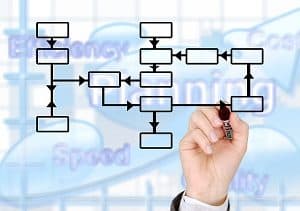 It’s important that you start with your end goal in mind. What process do you need to be faster? Which is the least disruptive with the most benefits? The most successful RPA implementations include clear communication and goals, so you need to make sure that everyone is on the same page.
 We covered a lot, so here are those section links again if you want to jump back: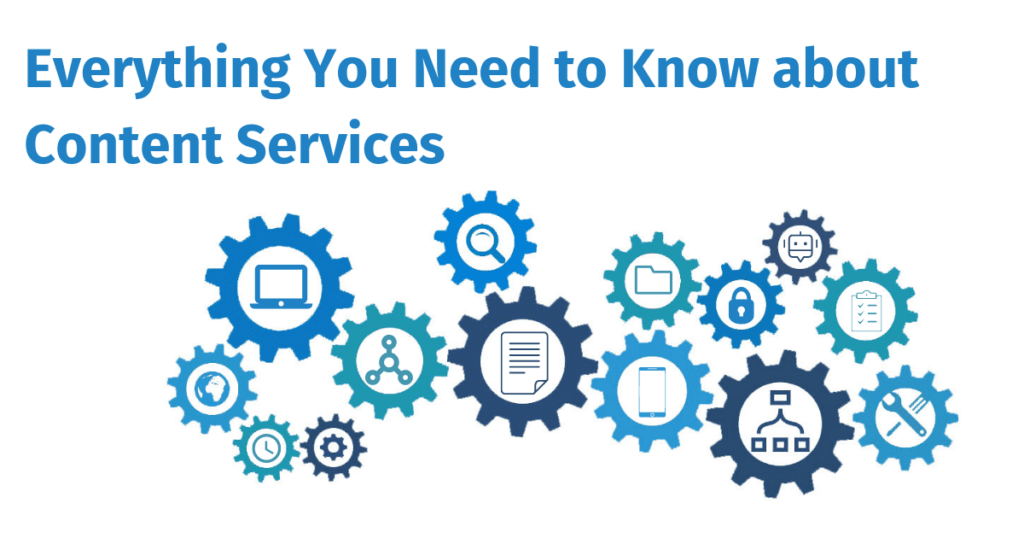
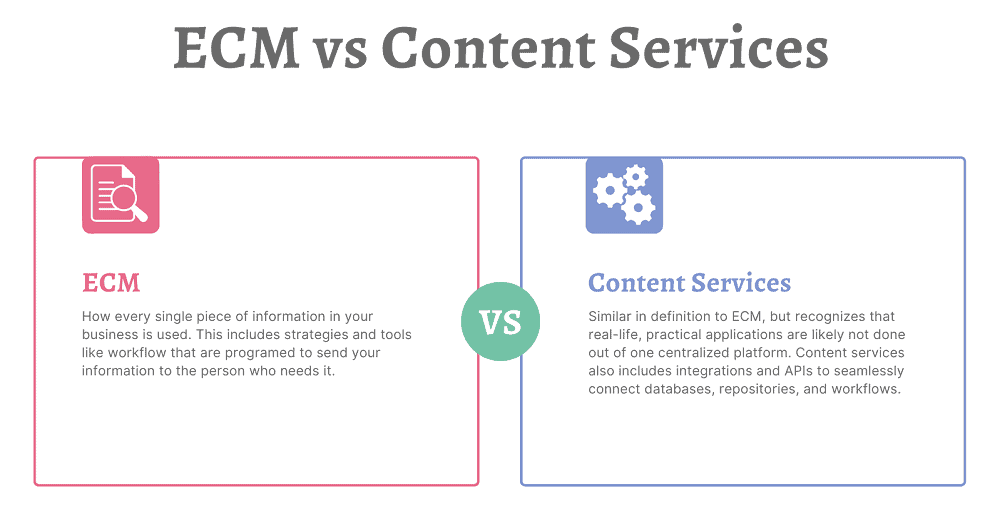
 Essentially, a Content Services Platform is the next evolution of an enterprise content management system. It allows organizations to create, store, manage, and transfer information. A content services platform can include: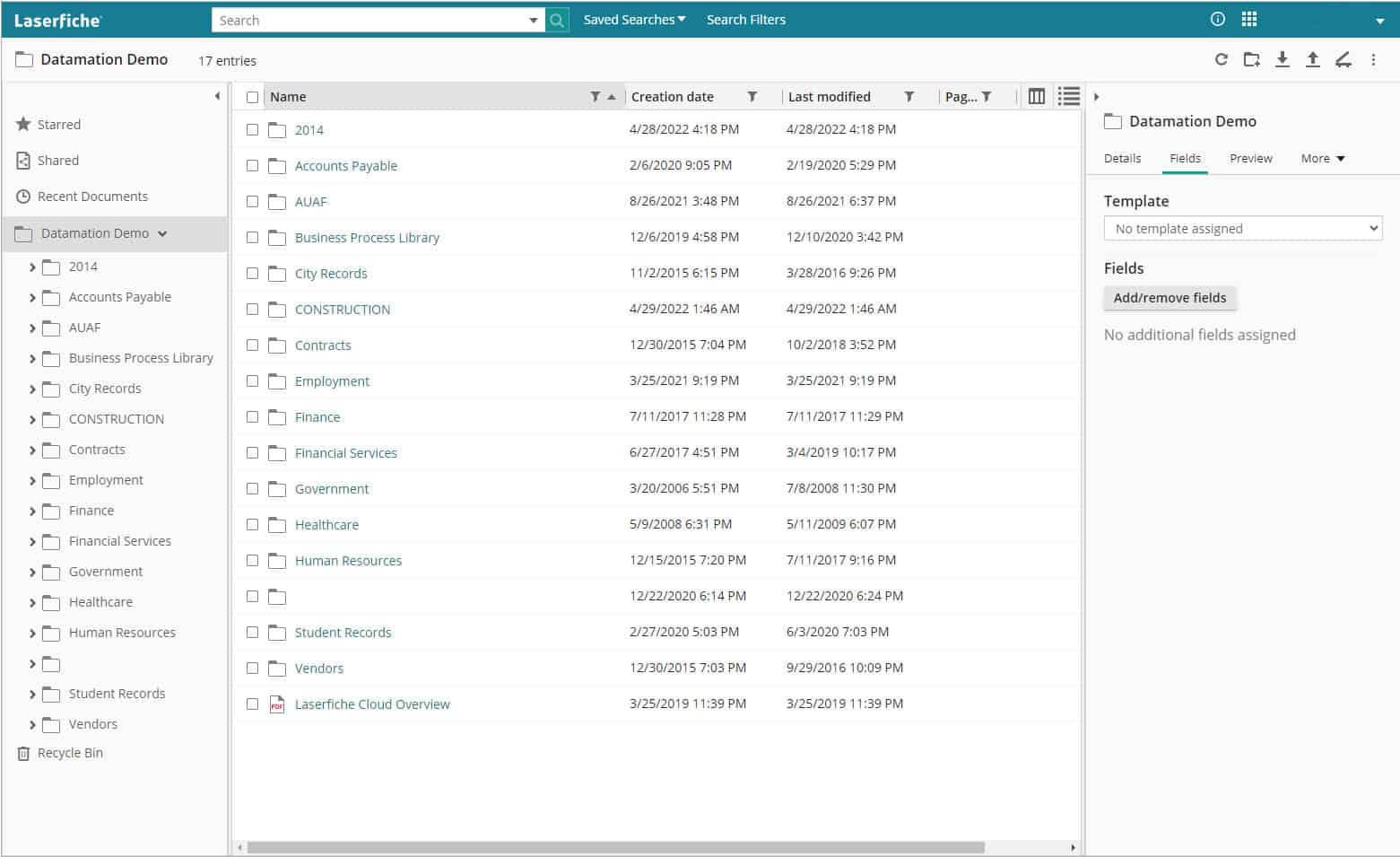
 Often when it comes to records retention, companies just keep everything—just in case. But there’s no reason to. For example, most accounting-related information only needs to be
  Digital documents already have more security than paper ones, because people can’t just pick them up from a desk or pluck them from a filing cabinet.
 Content services platforms are designed for anyone to use. Like all new software, there is a learning curve, but once you get the basics down, you can quickly find whatever information you’re looking for. Folders and projects are simple to add documents to, which is essential for your active, living files.
 1. Determine which of your current systems are essential for business
 3. Partner with a consultant
 The next step was providing immediate email notifications to the facility’s Administrator, Director of Nursing, and others. If a test result comes back positive for COVID-19, a Laserfiche Workflow gathers the information and generates an email notification. This notification is sent to the recipients as soon as it arrives and directs the recipient, using a HIPAA-compliant link, to view the result. This allows VistaLink’s clients to quickly react and control the spread of the virus.
 By using the Laserfiche portal and electronic forms, the information gathering and sharing processes have been streamlined. With all results in a centralized location, everyone from a specific nursing home—each nursing home can only see their patient data—can work off the same data to make their decisions. By having immediate alerts, nursing home staff don’t have to spend the time to log in to check if there is a positive case.
 While student tracking appears to be less publicized at the elementary and high school levels, big tech’s presence in classrooms looms large. In the 2017-2018 school year, the top five digital products used in K-12 classrooms were from Google; it’s a trend some call the “Google-ization of the classroom.”
 As business continues to shift into remote work, companies not only need to have easy access to their documents online but also must consider the security of those sensitive documents while being digitized. Finding a company you can trust to have the highest security standards is vital when seeking a partner to outsource processes such as mailroom, document scanning, cloud document management software, and workflow automation services.
 Datamation implements many practices and protocols to ensure compliance with SOPPA. These include: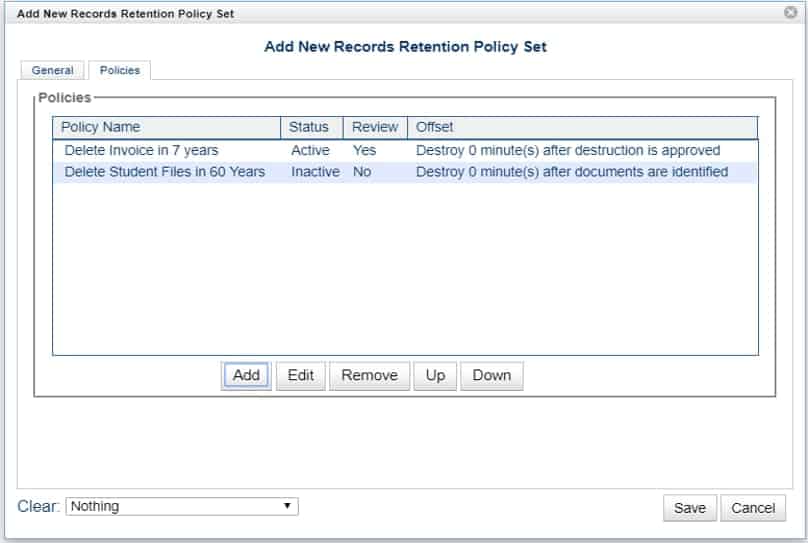
 Minutes of board meetings
 The simplest way to management your documents and their retention schedules is to digitize your files. Digitizing your files opens up the possibility to automate your retention policy. As in, you can set the retention schedule for a document and you don’t need to think about it again until it reaches the end of its lifecycle.
 Human Resources is by far the most common area where businesses are scanning their records. We’ve spoken with industry peers across the country and they are also seeing a huge demand in human resources scanning.
 Even if your employees aren’t in the office because of COVID-19, your mail is still heading there. As many companies don’t want to compromise the health of an employee, or need to make cuts due to the current recession, they’re looking to
 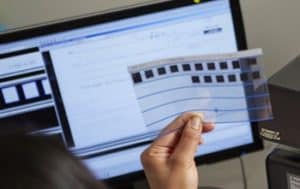 One of the most surprising things has been the increase in demand for microfilm scanning. While
 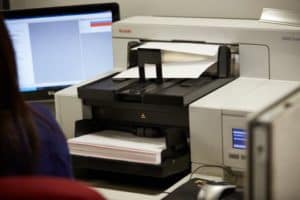 Converting the paper you already have into digital files must be one of your first steps. And the reason that we recommend it as the first step is because a seasoned document management and scanning company will be a great partner in helping you go paperless. Not only do they have the experience in scanning your files, but a good company will also be up to date on document management software and strategies.
 While you’re having your current paper documents scanned, you’re also going to want to think about how to eliminate the creation of new paper documents.
 This step, unlike the first three, can be put off until later. But eventually, you will want to take full advantage of your electronic files and streamline your processes with automation. Workflow and
  One of the first things many of us learned is that our current computer chair wasn’t designed for an 8 hour-plus workday.
 Once you’ve settled into routines and determined how you work best from home, it’s time to figure out how to make your team work like a well-oiled machine.
 With the influx of